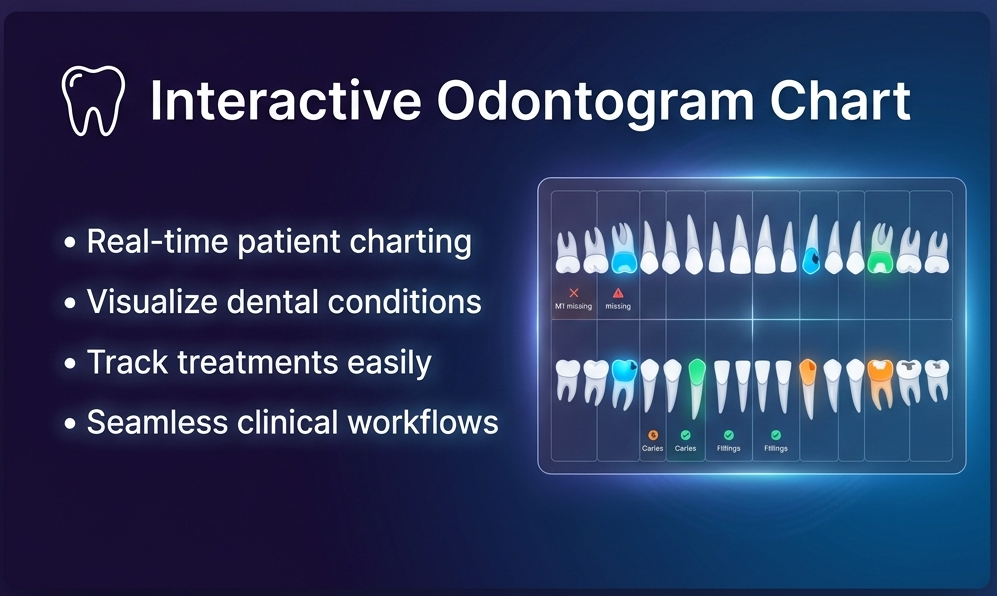
odontogram Interactive Odontogram Chart
Documentación Completa del Módulo

Patient Odontogram Charting
An intuitive and professional dental charting interface for your Odoo patient records. Allows dentists to visually track oral health, plan treatments, and manage clinical histories in seconds.
Professional Dental Charting Made Easy
Visualize and record all dental conditions in real-time with an intuitive, interactive dental grid.
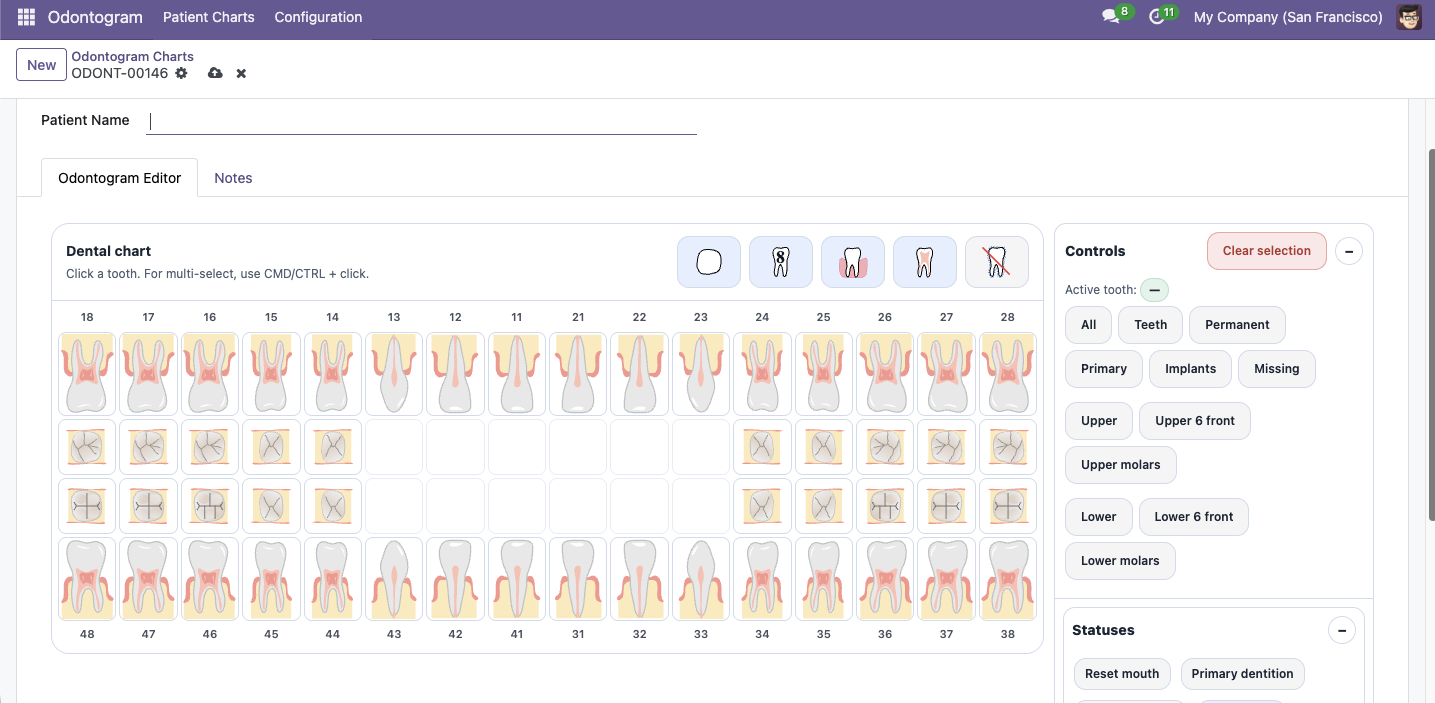
Clinician Workflow & Charting
Here is how dentists and clinical assistants perform daily oral charting:
🔍 1. Interactive Tooth Grid
Dentists can click on any tooth in the dental arch to activate the sidebar panel. For fast updates, hold CMD/CTRL + click to select multiple teeth and apply base types or quick presets simultaneously.
🩺 2. Detail Dental Conditions
With a tooth selected, clinicians can record detailed oral conditions:
- Caries: Toggle specific tooth surfaces (mesial, distal, buccal, lingual, occlusal, subcrown) and select caries depth levels.
- Fillings: Set existing restoration materials (Composite, Amalgam, GIC, Temporary) per surface.
- Endodontics: Record root canals, pulpitis, pulp views, and parapulpal pins.
- Restorations: Set crown materials, bridge abutments, implants, and planned extractions.
👁️ 3. Adapt Visual Views
Switch between standard side views and detailed occlusal surface views at the click of a button. Toggles are also available to show/hide wisdom teeth (third molars), jawbone/gums overlay, and internal pulp channels.
🎓 4. Guided Onboarding Tour
To help your staff learn the interface, a guided walkthrough tour triggers automatically upon first login, guiding new users step-by-step through selecting teeth, registering status, and saving charts.
¿Necesitas conectar hardware en tu Odoo POS?
Desarrollo de módulos a medida, conexión directa de balanzas comerciales, impresoras térmicas (IP/Bluetooth/USB), y flujos de automatización locales.