Back to Apps Store
Odoo Apps / Sales
v18
v19
Complete Module Documentation
POS Cart Position Layout Swap
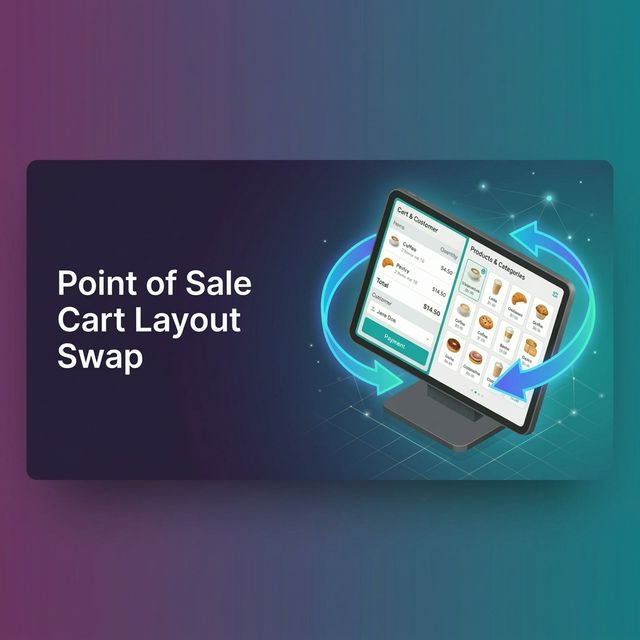
Customize your Point of Sale interface instantly. This module allows you to easily switch the POS cart and order lines to the left or right side of the screen, providing a better ergonomic experience for left-handed cashiers or adapting to specific hardware setups.
Key Features
- One-Click Configuration: Toggle the cart position globally from Odoo Settings using a simple checkbox.
- Native CSS Flexbox: Uses ultra-fast native OWL flexbox swapping (no Javascript DOM manipulation delays).
- Ergonomic Customization: Adapt the Point of Sale to your team's dominant hand or physical counter arrangement.
Screenshots & Interface
1. Simple Configuration View

2. POS View: Cart on the Right Side

Need to integrate hardware with Odoo POS?
Custom module development, direct connection for commercial scales, thermal printers (IP/Bluetooth/USB), and local automation workflows.
Thank you. I will analyze your requirements and get back to you shortly.
There was an error sending the form. Please try again.