
pos_stock_bom POS Stock BOM (Ingredients)
Complete Module Documentation
POS Stock BOM (Ingredients Management)
This module seamlessly configures Ingredients (Bills of Materials) for your POS Restaurant foods and automatically manages their inventory in the backend. Keep your stock accurate for every burger, pizza, or combo sold!
Key Features
- Create Recipe Structures: Easily create BoM (Bill of Materials) structures for any of your restaurant products.
- Automated Inventory: Maintain the exact inventory of ingredients and raw materials as sales are made in the POS.
- Cost Calculation: Calculate the real cost of a recipe based on its ingredients to visualize your margins.
- Unit of Measure Flexibility: Define components in their respective Units of Measure (grams, slices, units, etc).
Configuration Guide
1. Enable POS BoM for Product
Navigate to the product form you want to assemble. Check the "Is POS BoM Product?" option and switch to the POS Recipe tab to add the required ingredients and quantities.

2. Component Configuration
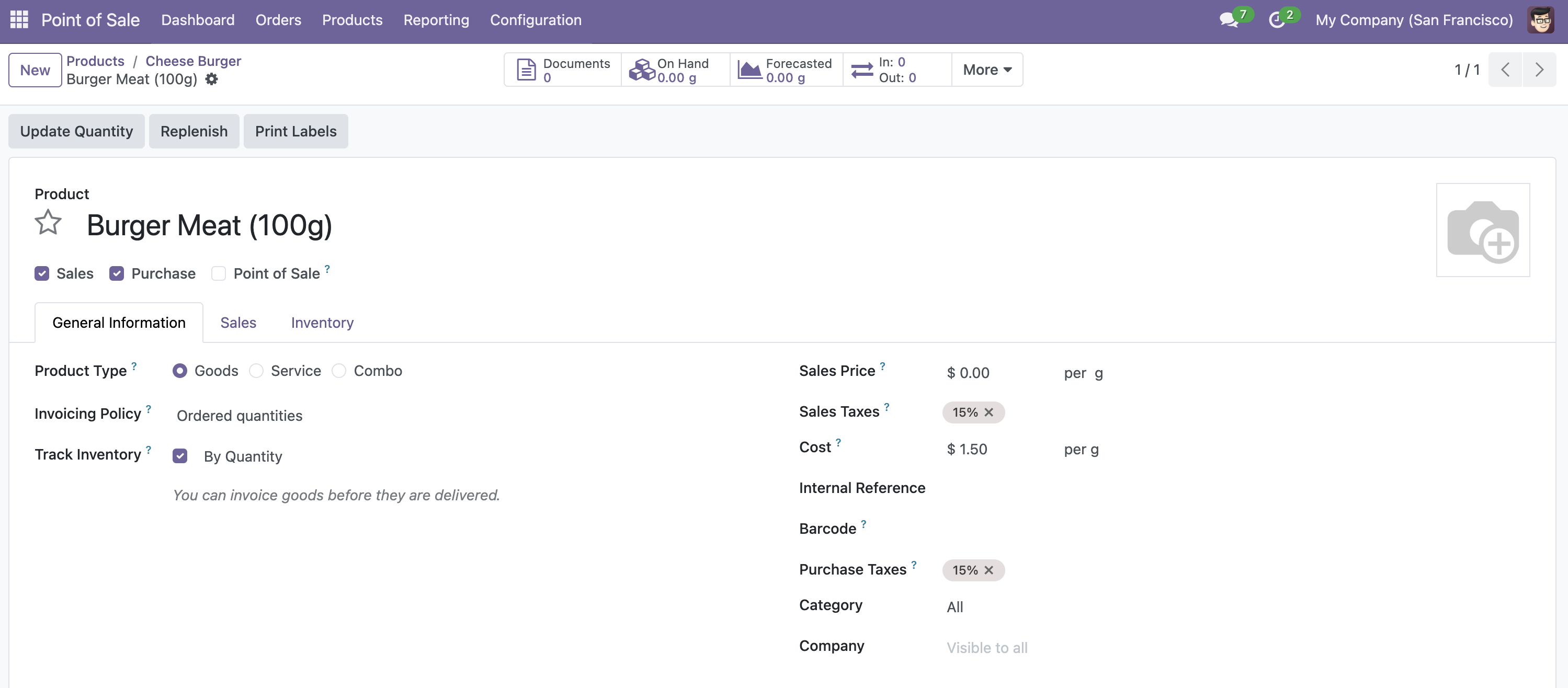
Ensure your components are set correctly as standard storable products with their own units of measure and on-hand quantities.
3. Processing Orders in POS
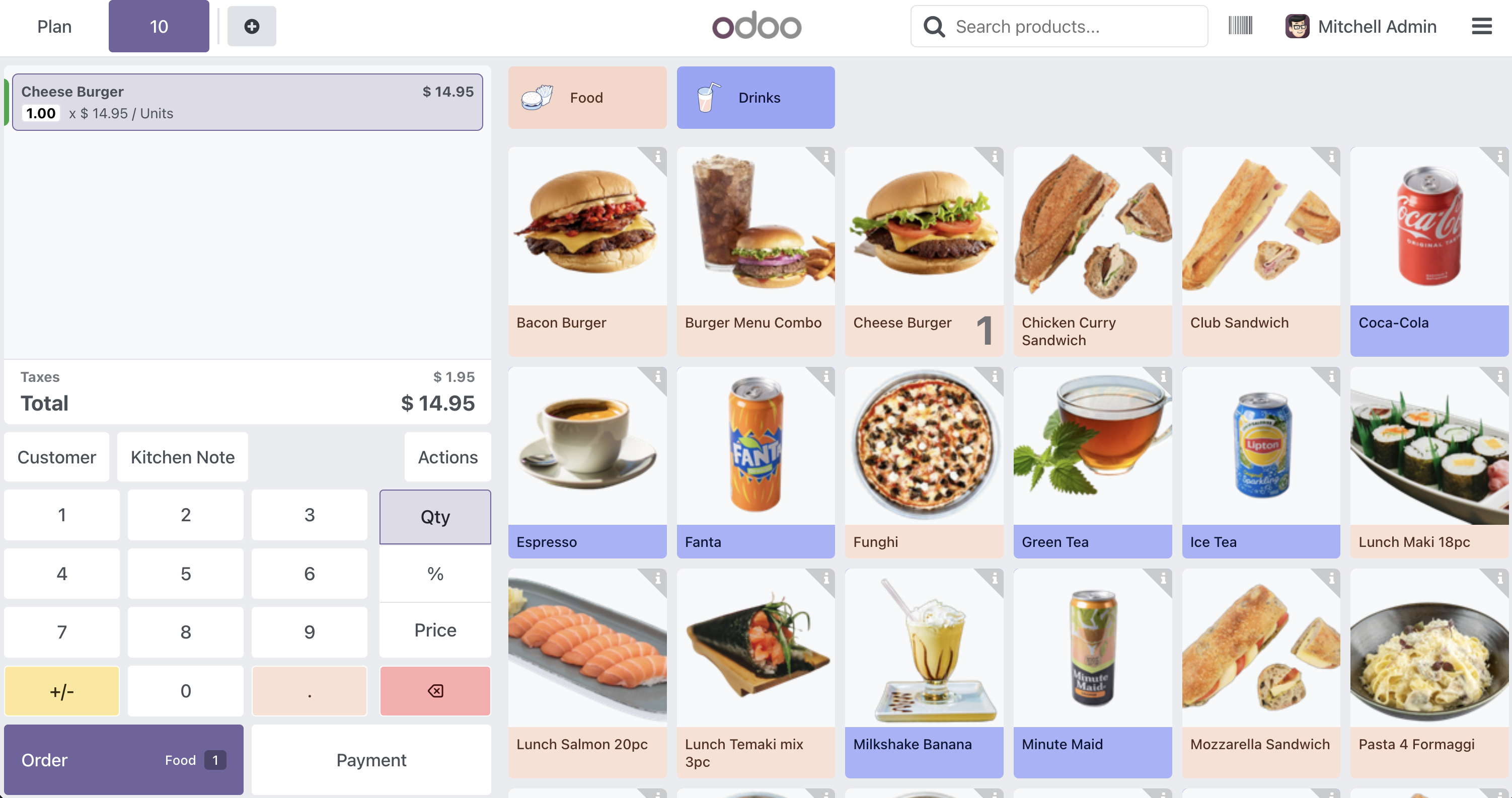
Open the Point of Sale and sell the final configured product.
4. Automated Stock Deduction
Once the POS session is closed, the system will automatically deduct the raw materials (ingredients) from your inventory according to the BoM configuration.

Need to integrate hardware with Odoo POS?
Custom module development, direct connection for commercial scales, thermal printers (IP/Bluetooth/USB), and local automation workflows.