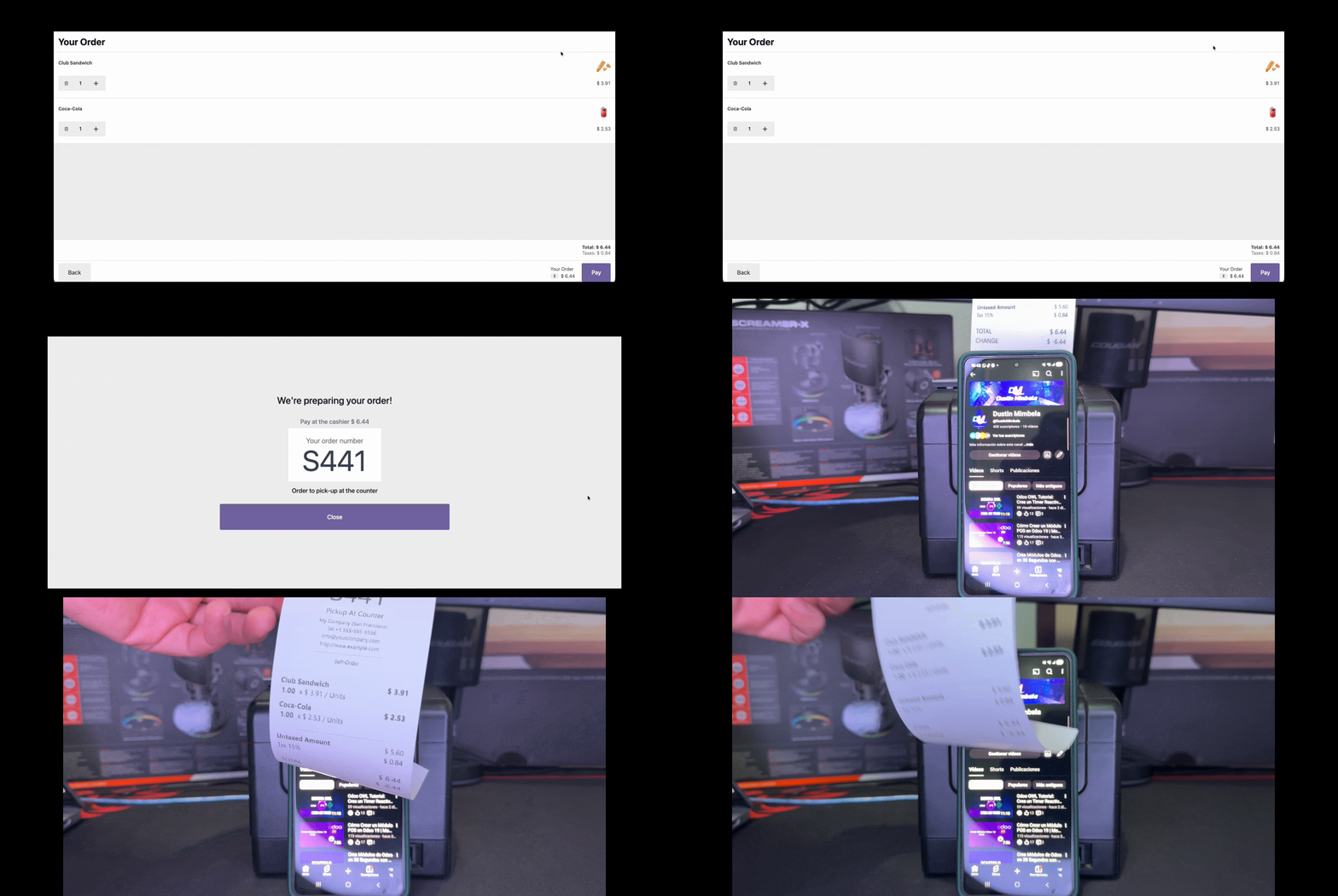
Documentation Complète du Module
This module enables printer support for Odoo POS Self-Order Kiosk mode. It automatically configures the printer service to use available printers through jIotBox, allowing customers to print their receipts directly from the kiosk interface without requiring staff assistance.
Seamless integration with POS Self-Order Kiosk mode.
Automatic printer detection and configuration via jIotBox.
jIotBox integration for reliable printing without IoT Box dependency.
- jIotBox Integration: Seamlessly integrates with jIotBox for reliable printing without requiring the traditional IoT Box, enabling customers to print receipts directly from the self-order kiosk interface.
- Enhanced Customer Experience: Provides customers with the ability to get physical receipts immediately after placing their order through the kiosk, improving service quality and customer satisfaction.
- Zero Configuration: Works automatically with your configured POS printers through jIotBox - no additional setup required beyond installing the module.
- Direct Server-to-Printer Communication: Eliminates dependency on browser-based printing, ensuring reliable operation even in complex network environments.
Installation and Configuration
Go to Apps → Search for "POS Kiosk Printer" → Click Install
The module will automatically integrate with your existing POS configuration.
Ensure your POS is configured with a printer in the Connected Devices section.
Go to Point of Sale → Configuration → Point of Sale → Connected Devices
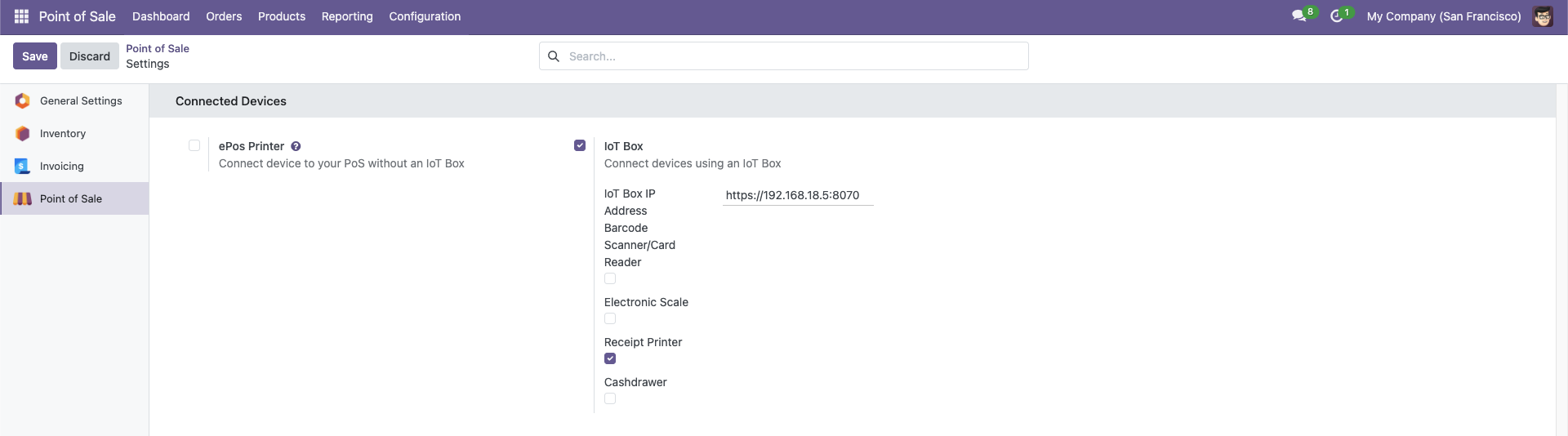
jIotBox Configuration: Instead of using the traditional IoT Box, this module uses jIotBox for direct server-to-printer communication. Configure your printer settings and jIotBox will handle the printing automatically.
How It Works
When a customer places an order through the self-order kiosk, the module automatically detects the configured printer and enables the print functionality through jIotBox.
The printing process works as follows:
- Customer completes order in the kiosk interface
- Customer selects "Print Receipt" option
- Order data is sent to Odoo server
- Server communicates directly with jIotBox
- jIotBox processes the print job and sends to printer
- Customer receives physical receipt
This direct server-to-printer communication via jIotBox eliminates browser dependencies and ensures reliable printing in any network configuration.
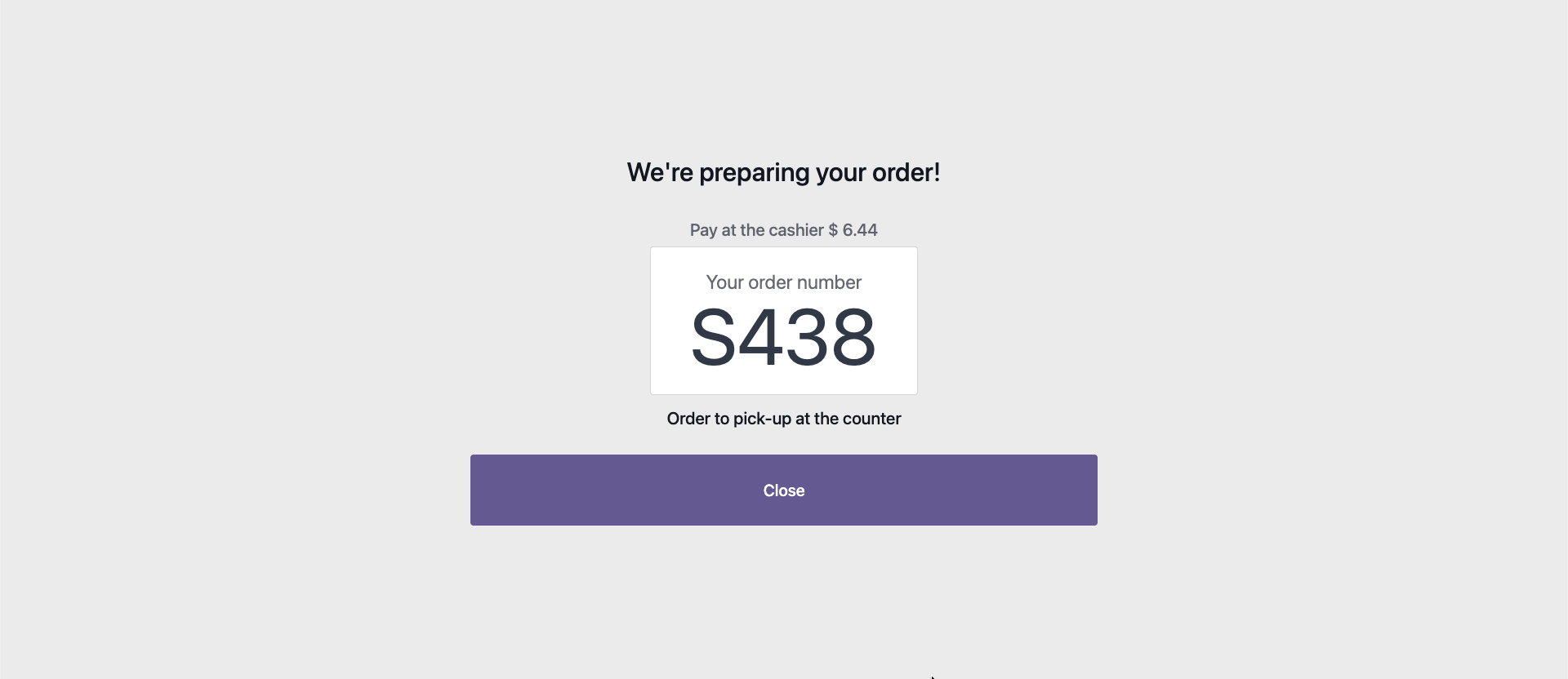
This module requires the POS Self-Order module to be installed and configured in your Odoo instance.
Ensure that your POS configuration has at least one printer configured in the Connected Devices section for the module to work properly.
jIotBox Requirement: jIotBox must be running on your network to handle the printing communication between Odoo server and your printers.
- Improved customer experience with instant receipt printing
- Complete self-service solution for your customers
- No additional configuration needed - works with existing POS setup
- Reduces staff workload by enabling full self-service
- Compatible with all printer types supported by Odoo POS
Help and Support
Besoin d’intégrer du matériel à Odoo POS ?
Développement de modules sur mesure, connexion directe de balances commerciales, imprimantes thermiques (IP/Bluetooth/USB) et flux d’automatisation.