pos_bluetooth_printer POS Bluetooth Printer
Complete Module Documentation
This module enables seamless thermal printing in Odoo POS using a Bluetooth-connected printer via Android. No IoT Box or cables needed. Just pair the printer with your Android device and print instantly!
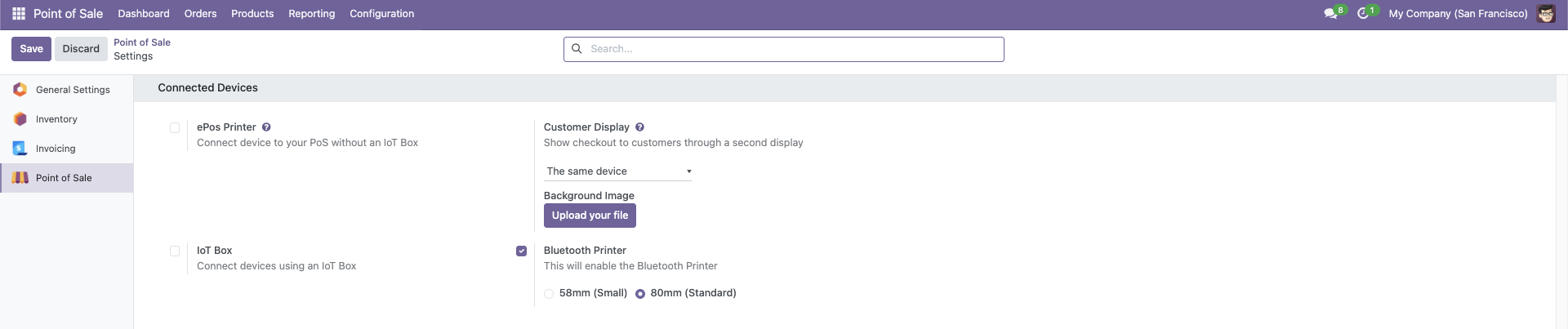
- Go to Point of Sale > Configuration > Point of Sale.
- Under Connected Devices, enable Bluetooth Printer.
- Select paper width: 58mm or 80mm.
- Make sure either ePOS Printer or IoT Box is NOT selected.
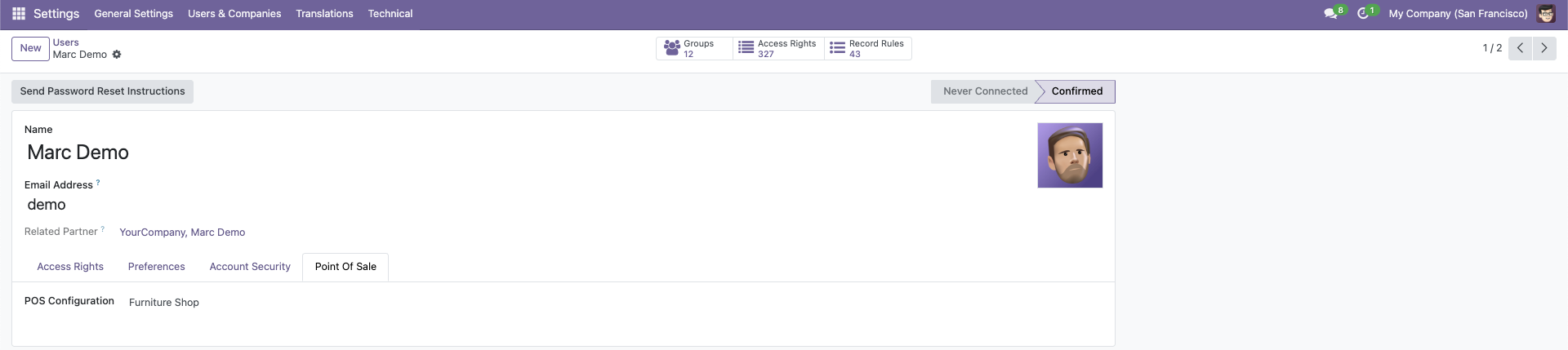
Ensure the POS user has the correct POS configuration assigned:
- Navigate to Settings > Users.
- Select the user and go to the Point of Sale tab.
- Assign the correct POS under POS Configuration.
- Bluetooth Printing Toggle in POS settings
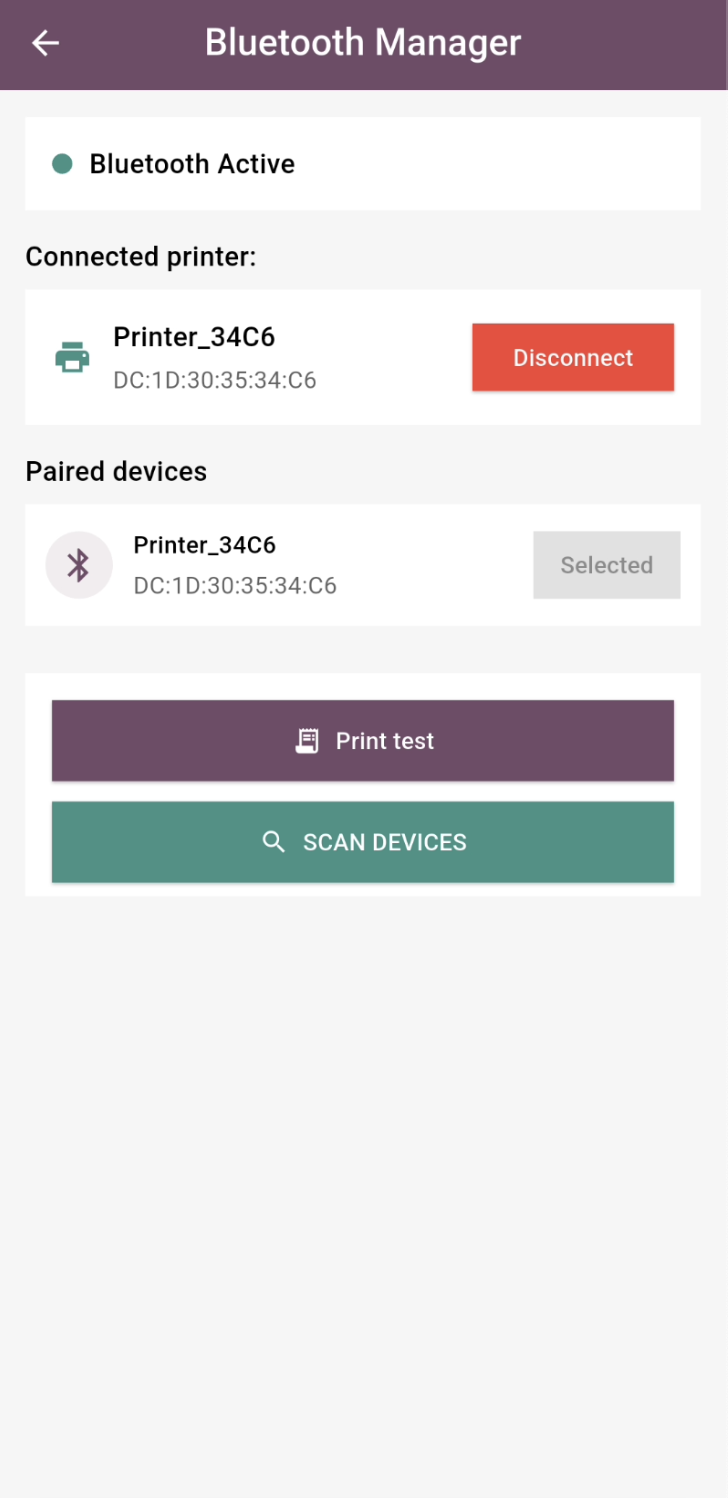
- Works with our dedicated Android app
- ESC/POS raw command support
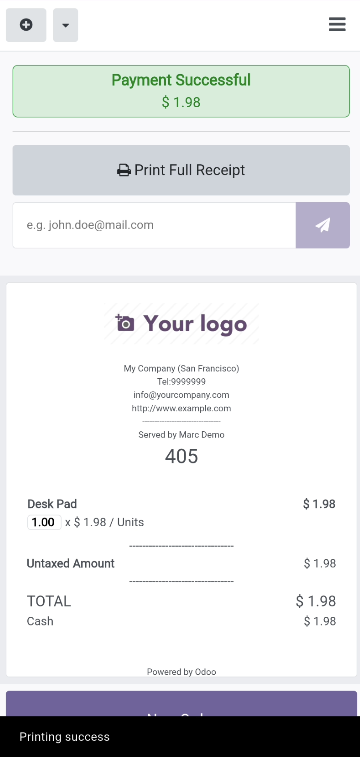
- Automatically prints receipt on validation
Before using this module, make sure that your Bluetooth thermal printer is set to pairing mode and is properly recognized by your Android device.
This module is designed to work exclusively with our Android companion app. It does not support printing via IoT Box, network printers, or other third-party systems.
For best results, ensure that the printer is already paired with the Android device before launching Odoo POS. Once connected, receipts will print automatically through the app.



Need to integrate hardware with Odoo POS?
Custom module development, direct connection for commercial scales, thermal printers (IP/Bluetooth/USB), and local automation workflows.