pos_virtual_keyboard POS Virtual Keyboard
Complete Module Documentation
POS Virtual Keyboard
Seamless Input Experience for POS Desktop Users
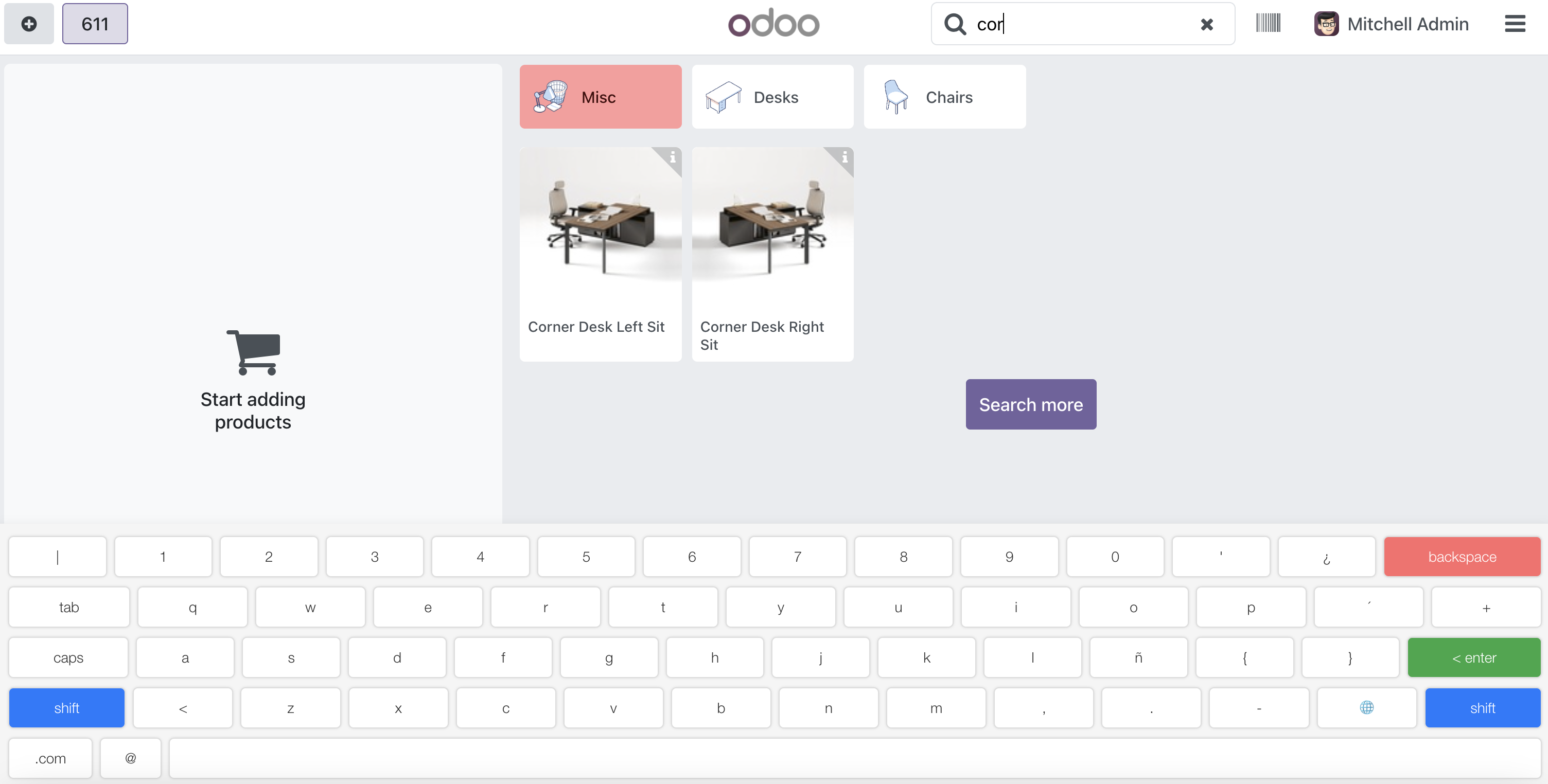
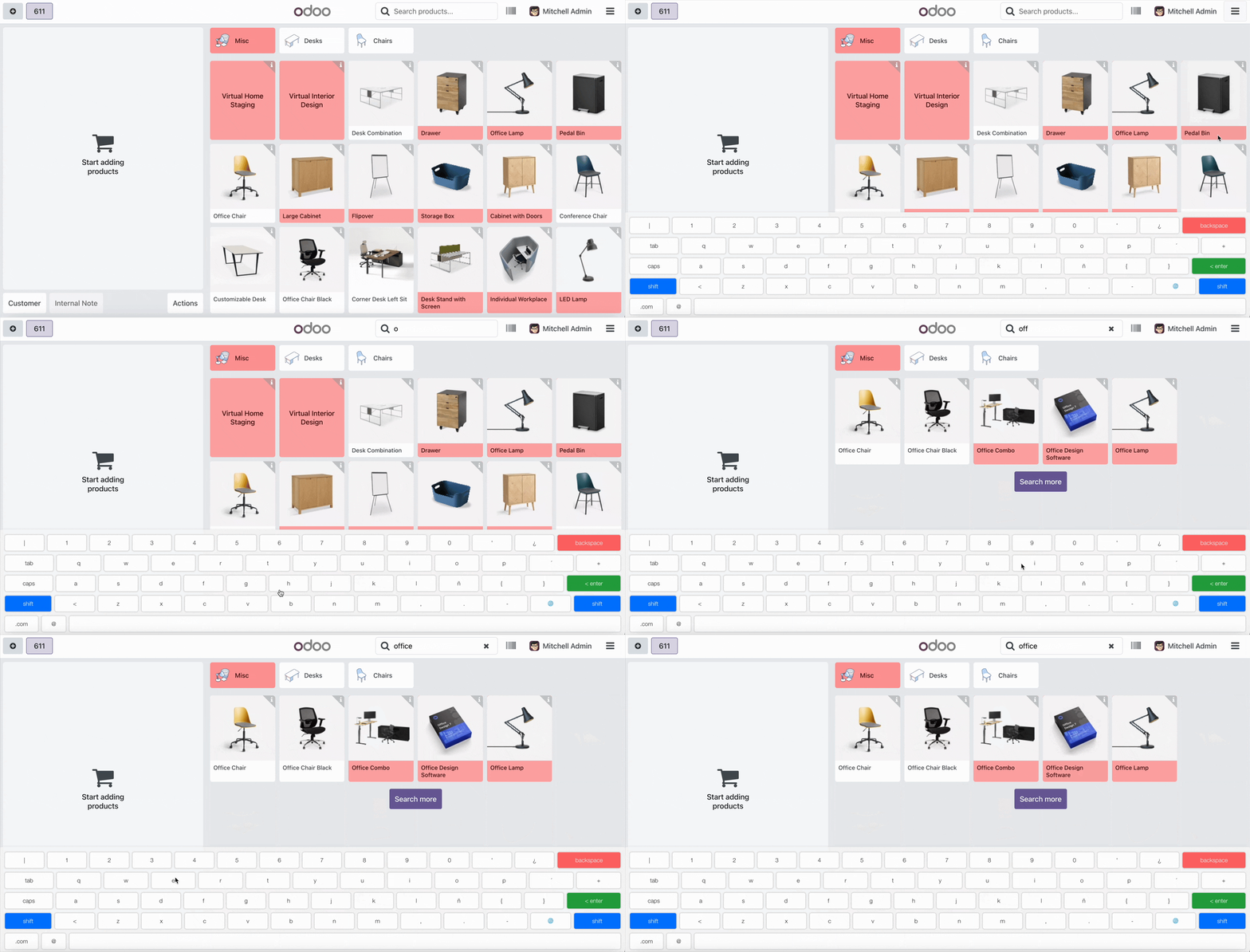
This module enhances the Odoo Point of Sale (POS) system by adding a virtual keyboard to the POS screen for desktop devices. It provides a seamless solution for retailers to improve the input experience, ensuring efficient management and improved customer service.
Key Features
Desktop Support
Automatically detects desktop devices and displays the virtual keyboard
Multi-Language
Supports multiple keyboard layouts including English, Spanish, and Arabic
Real-Time Input
Keyboard appears when input fields gain focus and hides when clicking outside
Special Keys
Supports special keys like Shift and language switching for enhanced usability
Easy Configuration

Simple Setup in Just a Few Clicks:
- Go to Point of Sale -> Configuration -> Point of Sale
- Select your POS configuration
- Under the Interface section, enable the Show Virtual Keyboard option
- Save your changes and start using the virtual keyboard immediately
Multiple Keyboard Layouts

English Layout
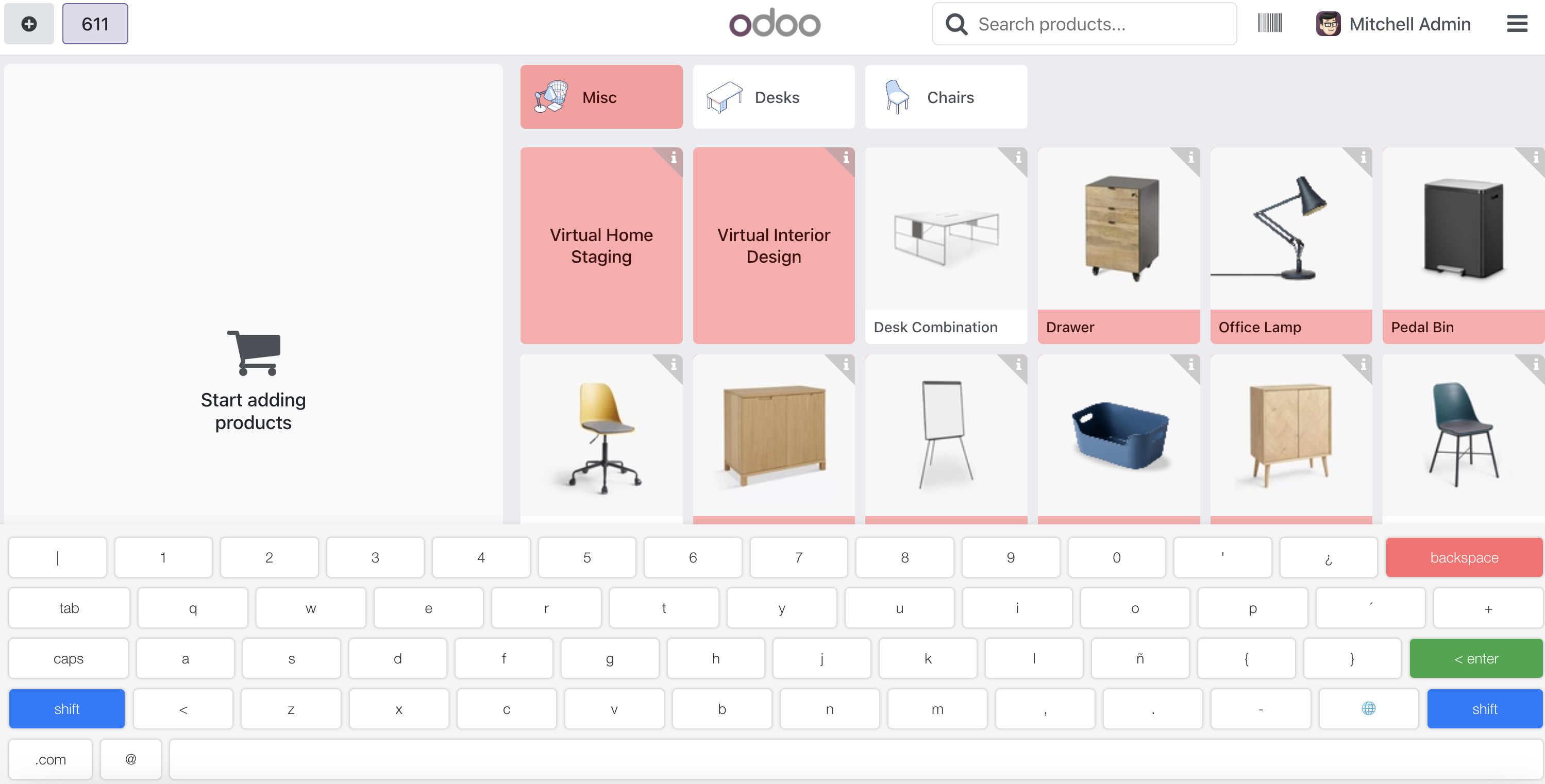
Spanish Layout

Arabic Layout
Seamless POS Integration
Perfect Integration with Odoo POS:
- Works on all POS screens (Product, Ticket, Payment, Receipt)
- Toggle keyboard visibility from the POS navbar
- Automatically appears when focusing on input fields
- Supports all input types including quantity, price, and customer information
- Responsive design that adapts to your screen size

Need to integrate hardware with Odoo POS?
Custom module development, direct connection for commercial scales, thermal printers (IP/Bluetooth/USB), and local automation workflows.