pos_mobile_orders POS Mobile Orders - Mobile order taking with visit management
Documentation Complète du Module
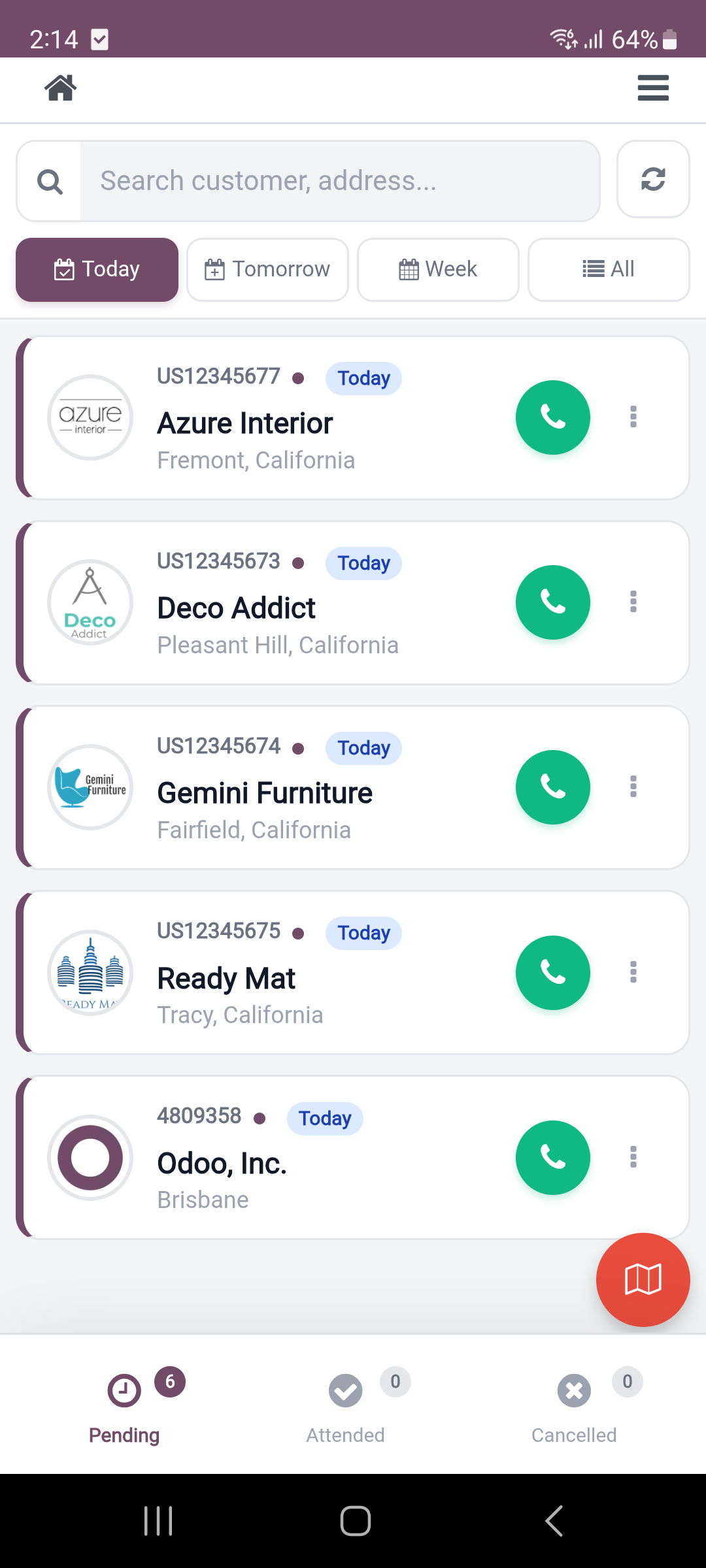
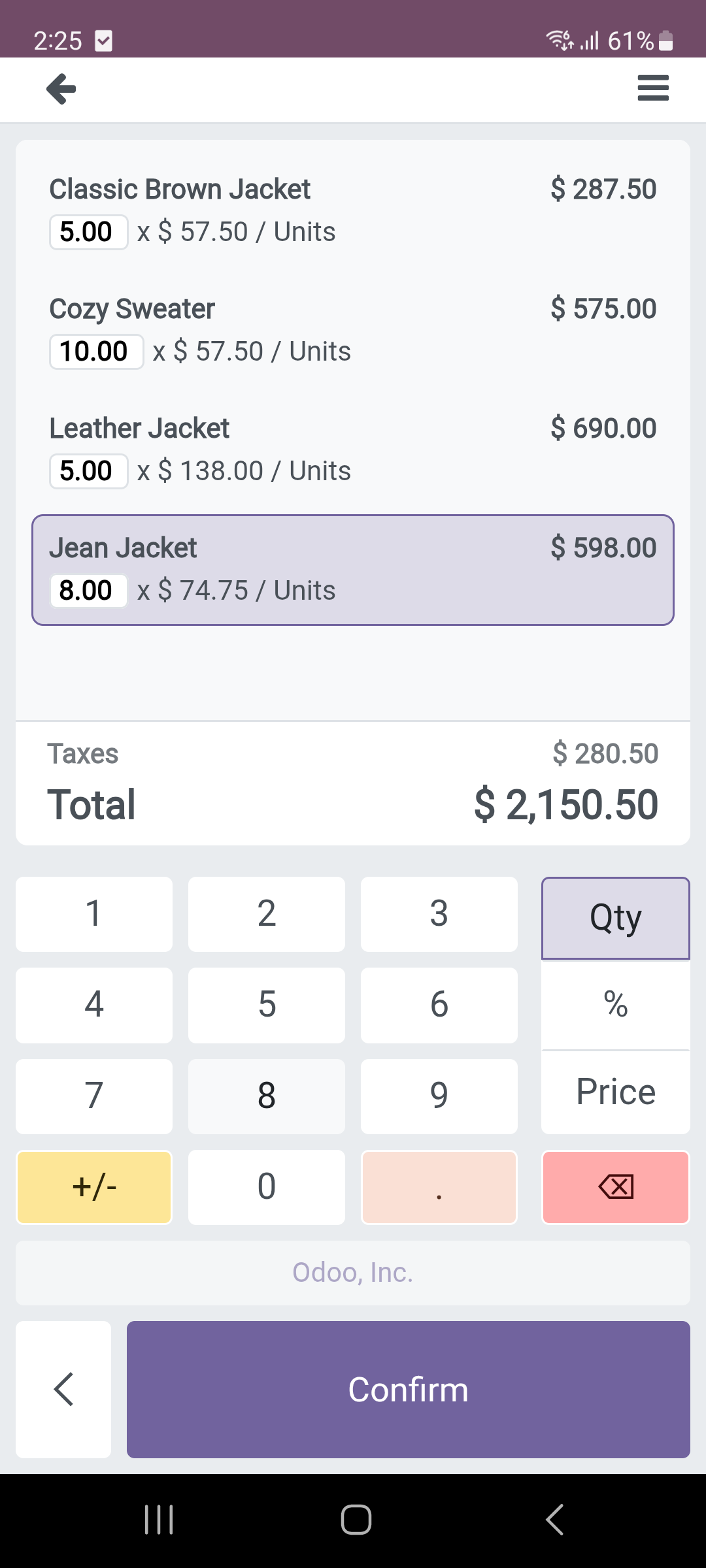
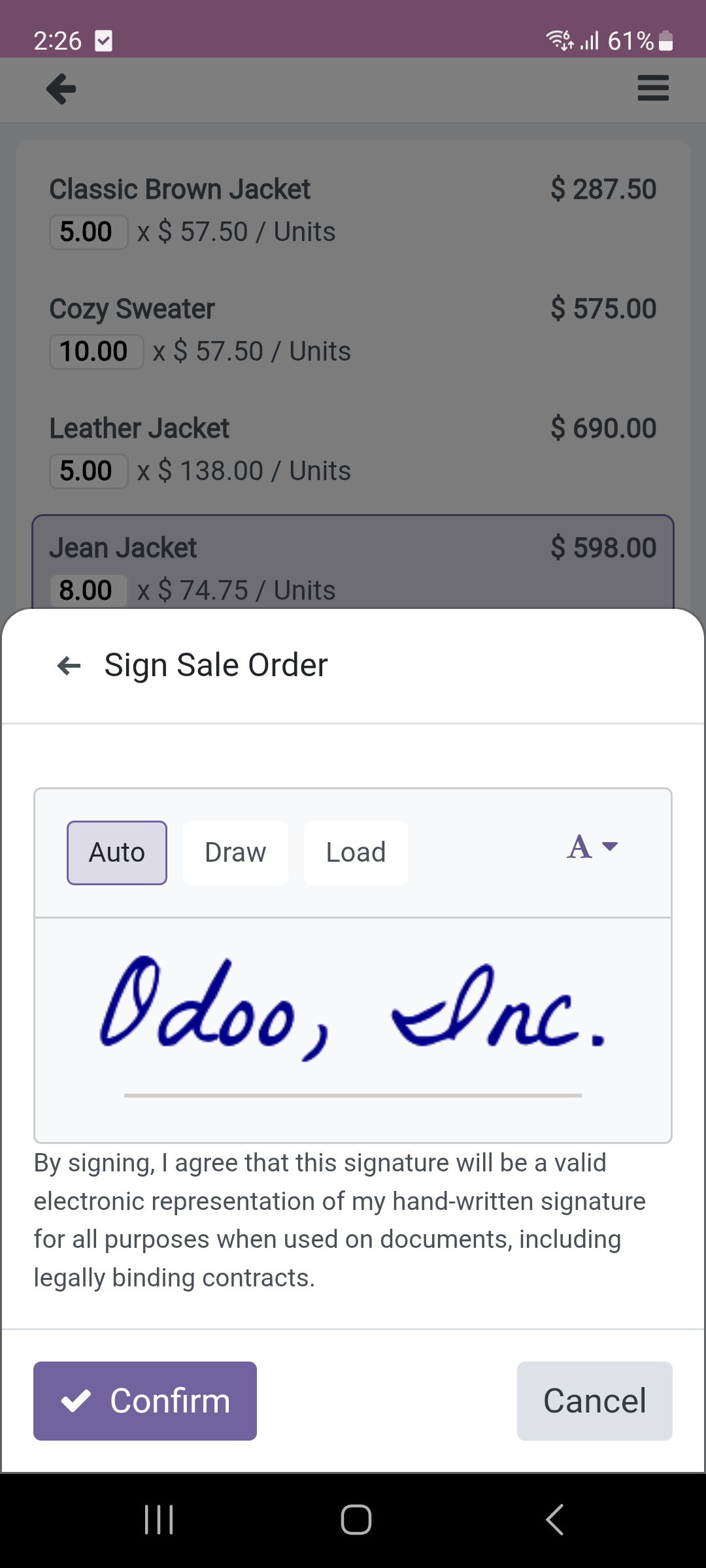
Transform your field sales operations with a complete mobile order taking solution integrated into Odoo POS. Manage visit points, optimize routes, take orders at customer locations, capture signatures, and streamline your mobile sales workflow!
- Go to Point of Sale > Visit Management.
- Configure your Visit Points POS Config.
- Create Visit Points for your customers.
- Set up Visit Types (Standard, Delivery, Commercial).
- Start taking orders with the dedicated Visit POS!
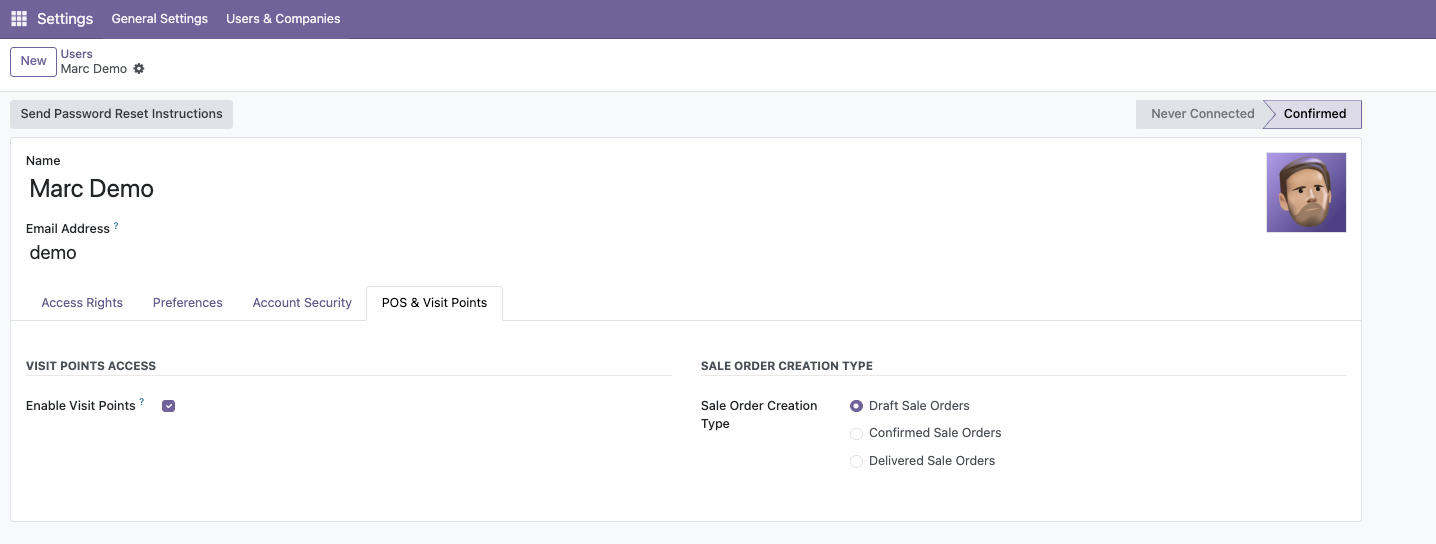
Ensure the POS user has the correct Visit Points POS configuration assigned:
- Navigate to Settings > Users.
- Select the user and go to the Point of Sale tab.
- Assign the Visit Points POS under POS Configuration.
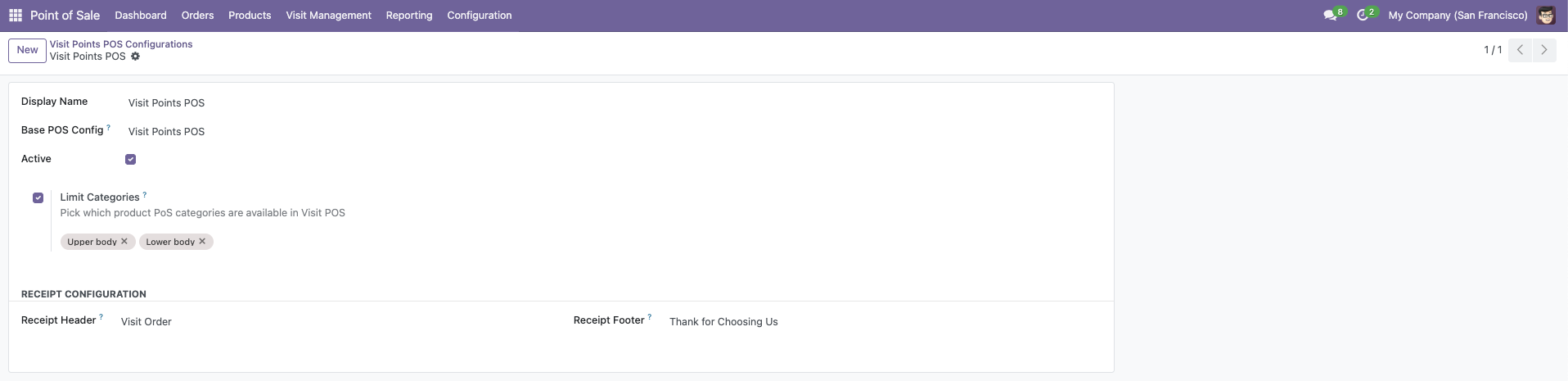
Configure your dedicated Visit Points POS settings:
- Go to Point of Sale > Visit Management > Visit Points POS.
- Configure your Base POS Config and product categories.
- Set up Visit Days and Bluetooth Printer (optional).
- Click Open Visit POS to start taking orders.
Create and manage different types of visits:
- Define Visit Types (Standard, Delivery, Commercial, etc.).
- Assign colors for easy identification.
- Organize by sequence and priority.

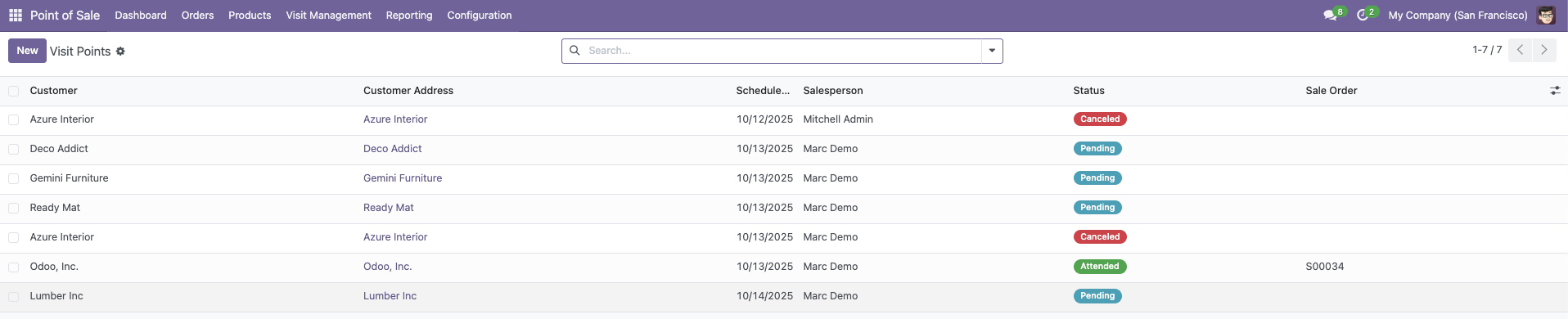
Create and manage customer visit points from the backend:
- Go to Point of Sale > Visit Management > Visit Points.
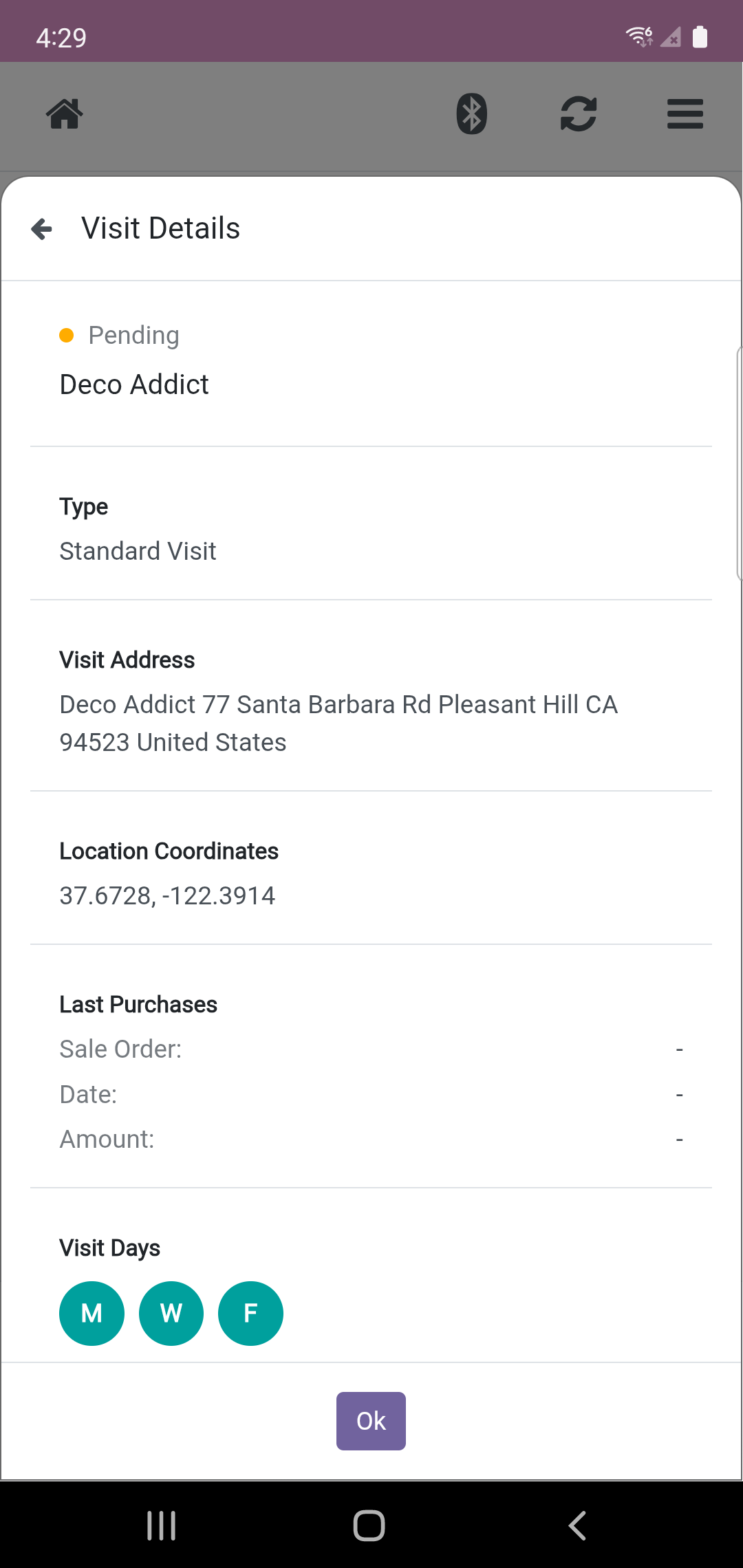
- Create visit points with Customer, Address, and Visit Days.
- Set Visit Type and GPS Coordinates.
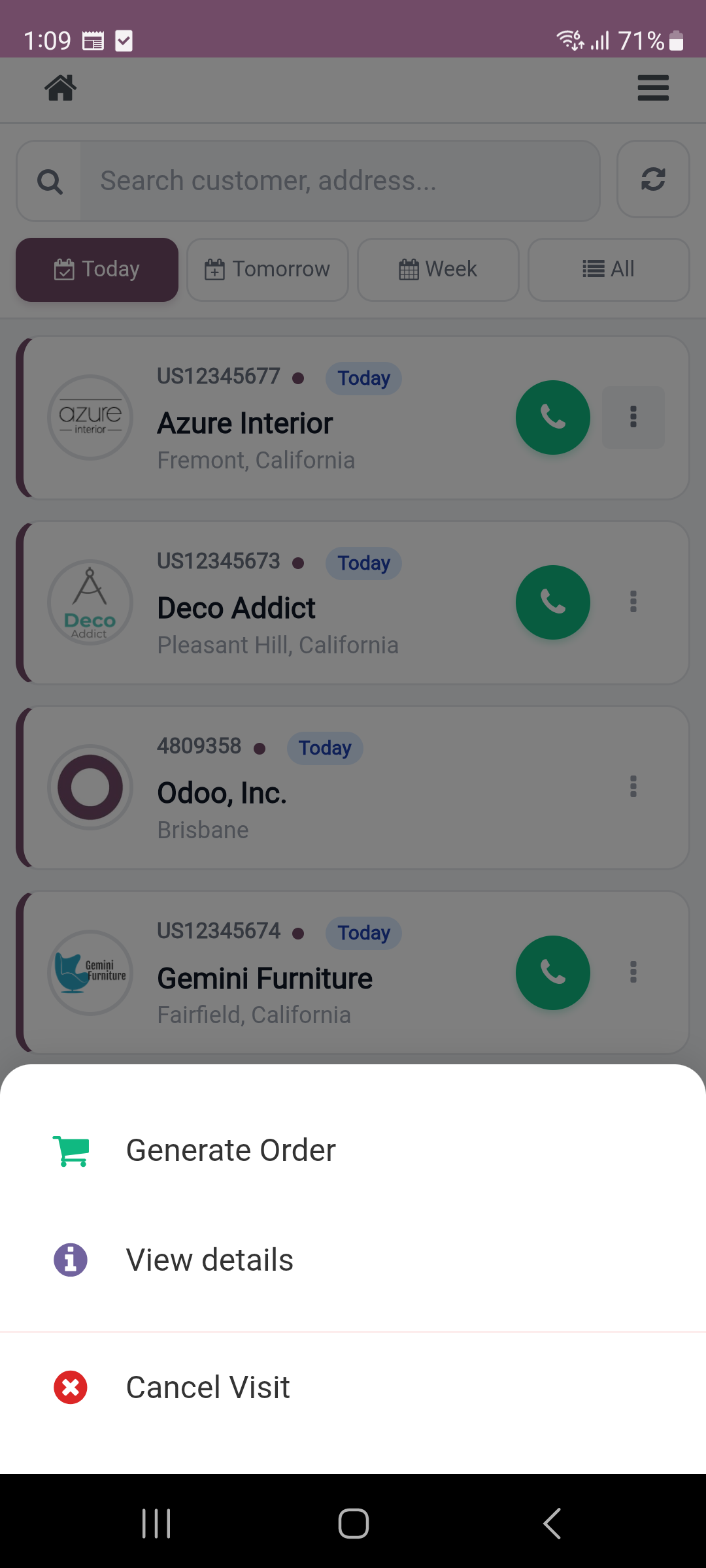
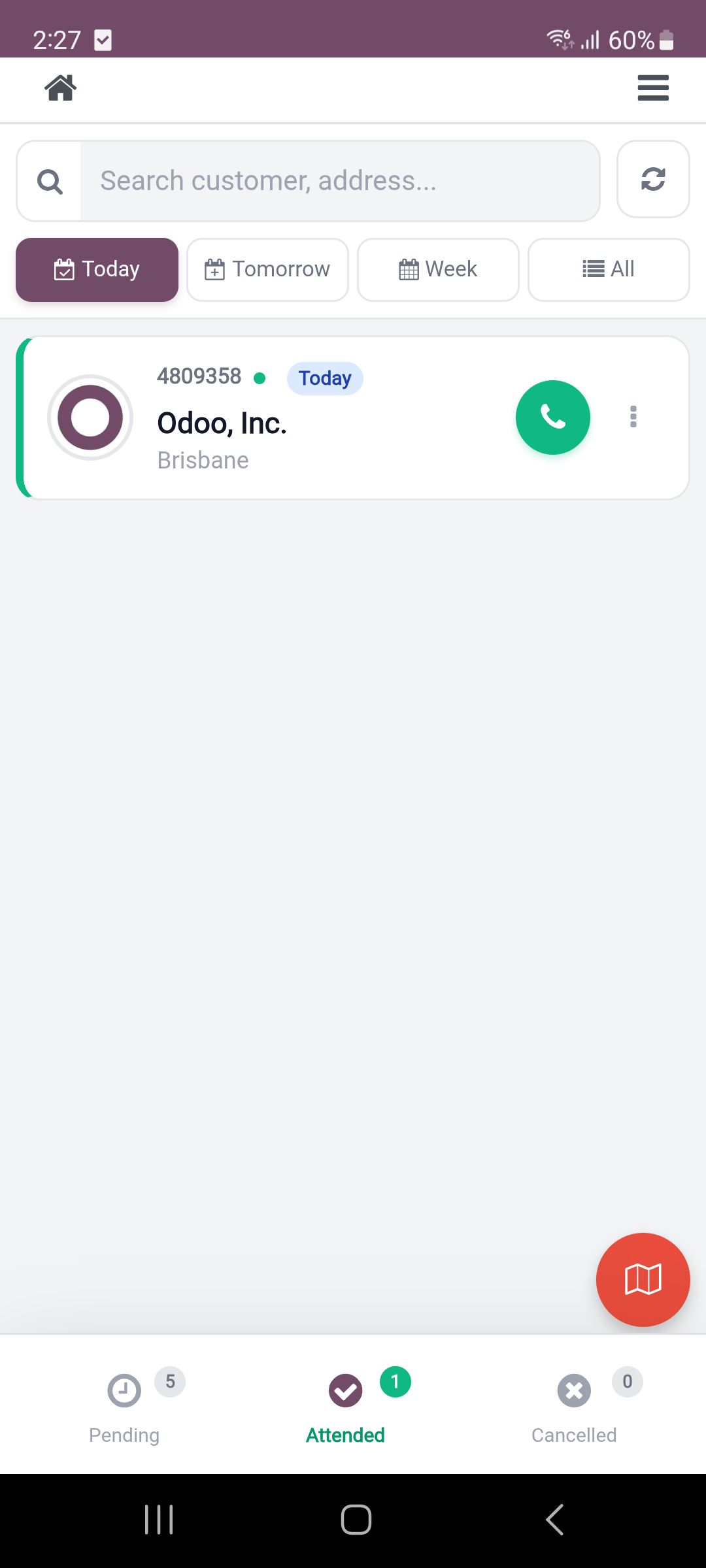
- Track status: Pending, Attended, Canceled.
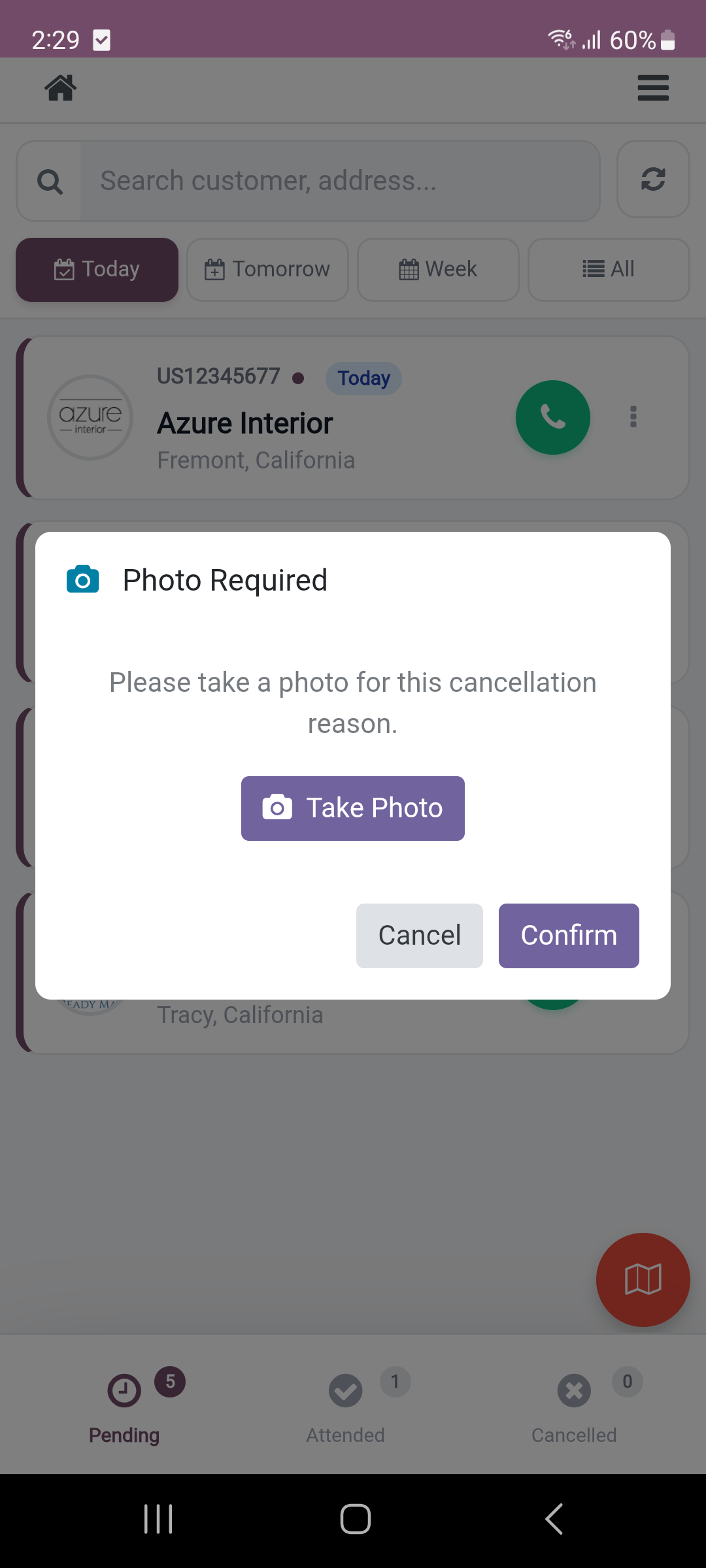
Configure custom cancellation reasons for better tracking:
- Create custom cancellation reasons.
- Predefined reasons (Customer Not Available, Weather, etc.).
- Organize by sequence and priority.
- Complete traceability of canceled visits.

Enhance your mobile order taking experience with wireless printing!
For seamless receipt printing directly from your mobile device, we recommend installing the
POS Bluetooth Printer module.
- Print receipts wirelessly from Android devices
- No IoT Box or cables required
- Perfect for field sales operations
- Supports 58mm and 80mm thermal printers
- Automatic printing on order validation
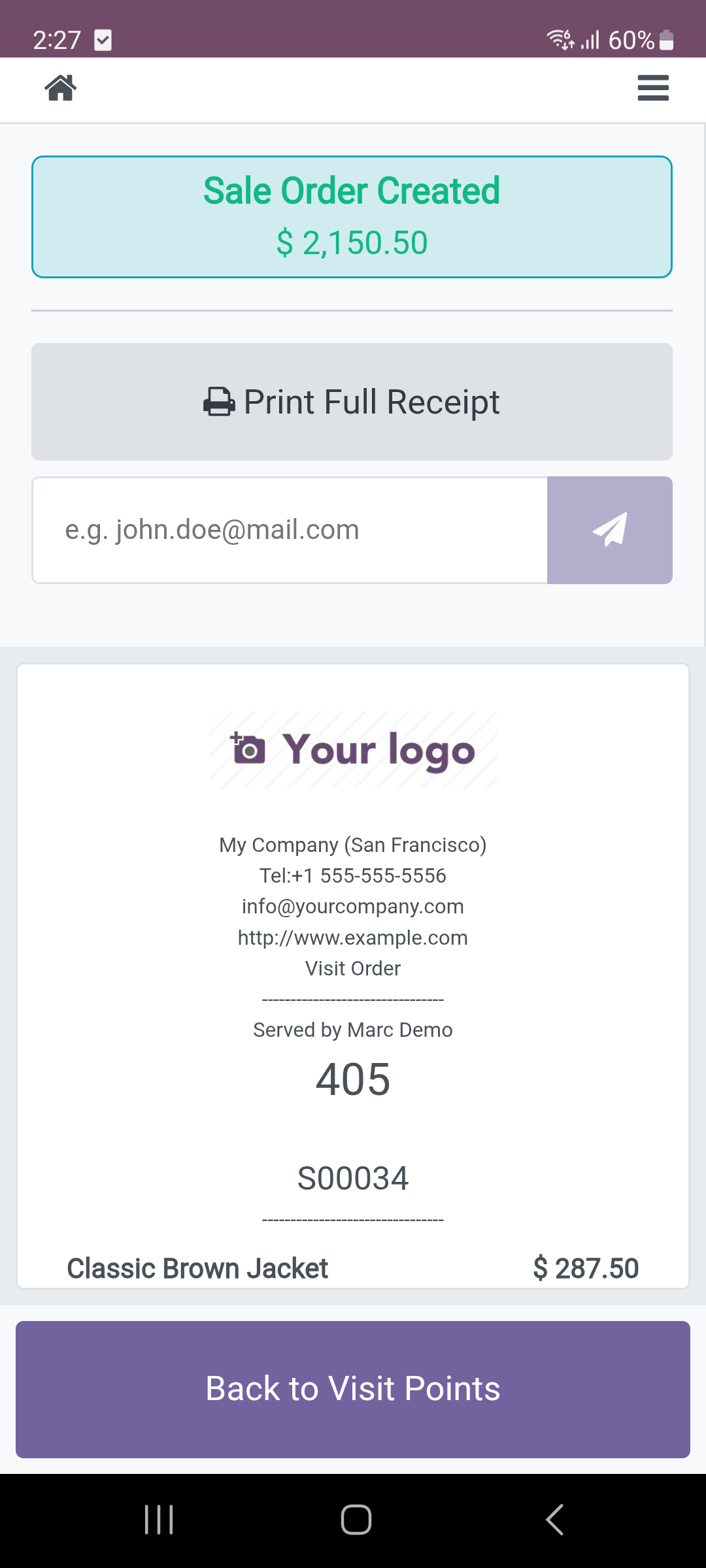
- Customer receipts with sale order details






Besoin d’intégrer du matériel à Odoo POS ?
Développement de modules sur mesure, connexion directe de balances commerciales, imprimantes thermiques (IP/Bluetooth/USB) et flux d’automatisation.